



Certificate Templates
Find certificates & diplomas to celebrate any achievement here!
Purchase a certificate and personalize it using our handy templates!
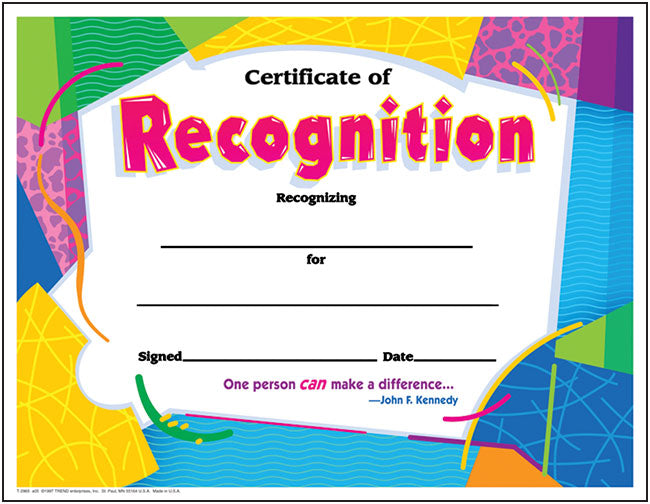
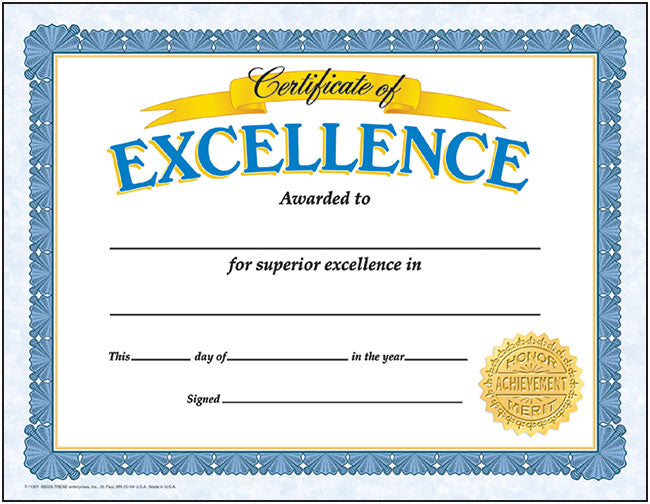
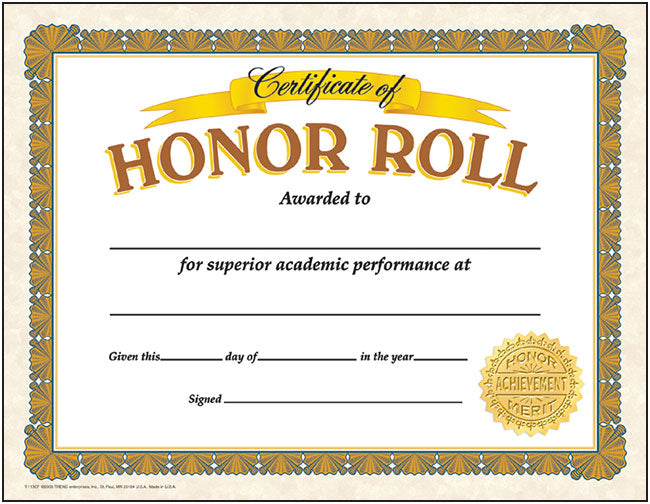
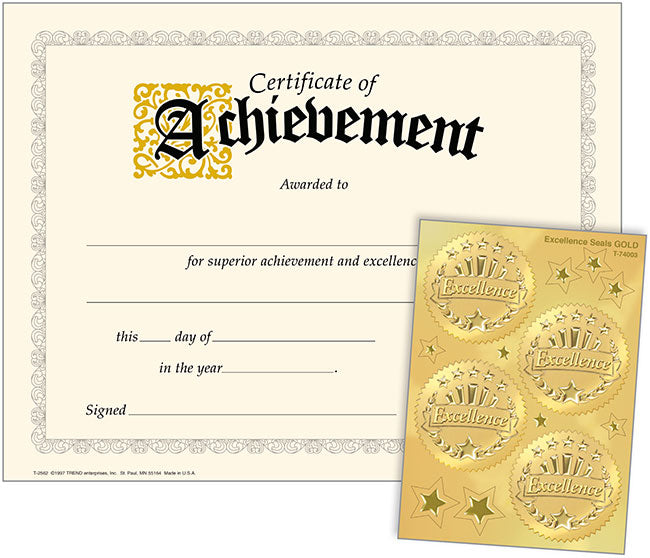
To find the correct template, match the Item Number (T-Number) written on the lower left corner of the certificate to its Item Number and image below.
Click the link to choose a Microsoft Word Template or a PDF Template.
Follow the instructions below to complete your project.
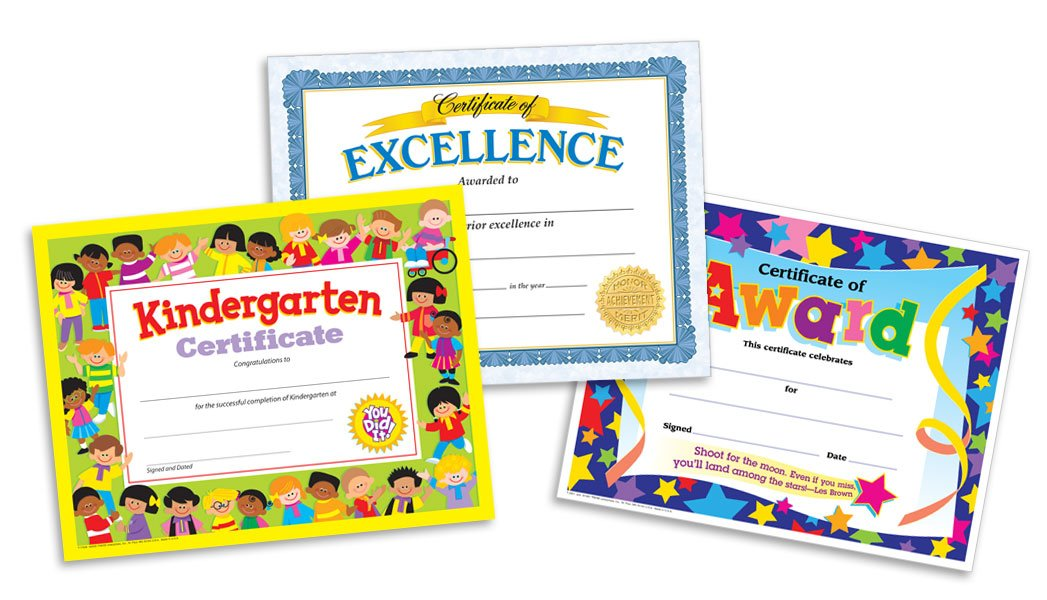
1. If prompted, choose to Save the template to another location or Open it. If not prompted, the certificate will automatically open in your Word program.
2. Personalize your certificate! Choose a variety of fonts, format your text, move text boxes, etc.
3. When done editing the text, click on the background image to select it and press Delete. This removes the background so only your personalized type shows.
4. Print a test! Load a test sheet of paper into your printer and print. Check that the paper is facing the correct direction and everything looks how you’d like.
5. When ready to print a final version, load the certificate you purchased into your printer and print. Enjoy!
Disclaimer: TREND provides templates for printing on certificates for your convenience only and is not responsible for any misprinted or damaged certificates that may result. Refer to our Terms of Use for more information.
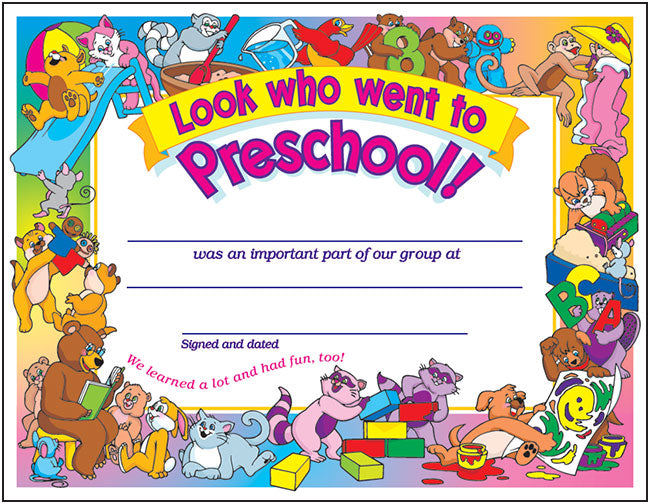
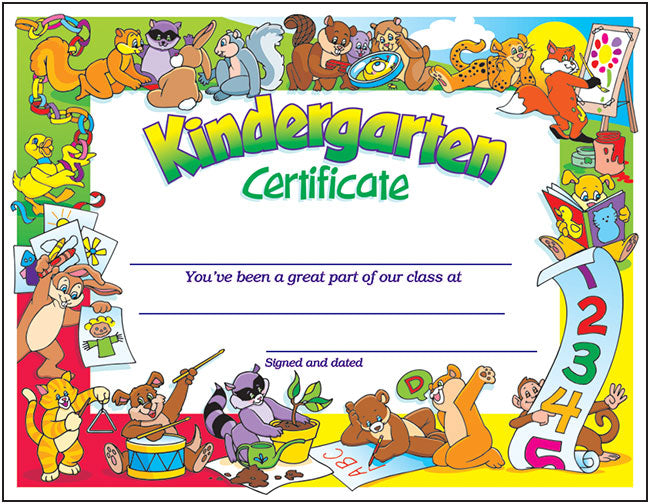




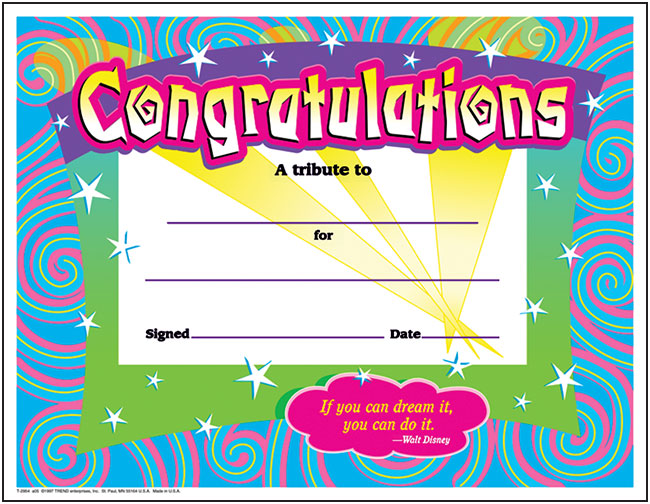





T11904
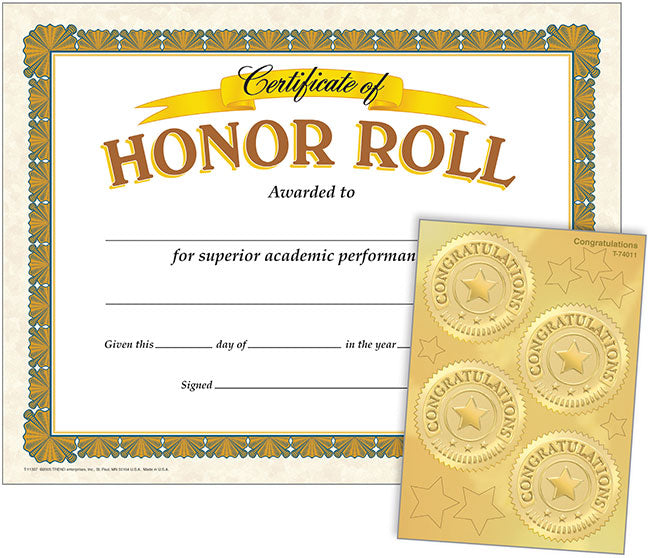
Honor Roll (Congratulations Seals) Certificates & Awards Seals Combo
• Word Template
• PDF Template
T11907
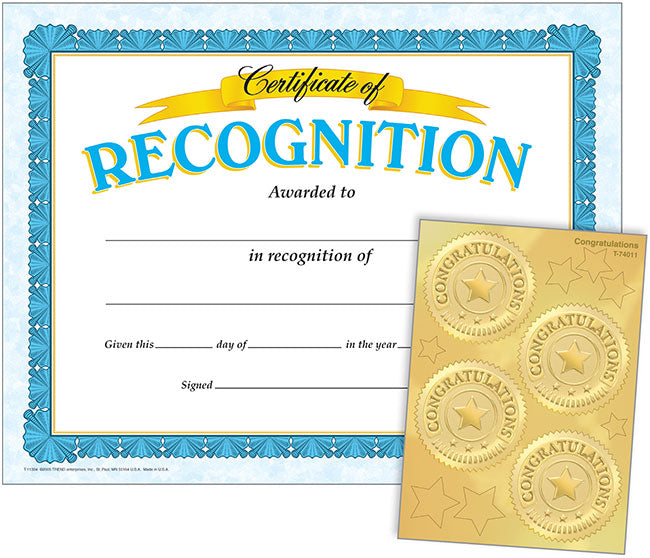
Recognition (Congratulations Seals) Certificates & Awards Seals Combo
• Word Template
• PDF Template

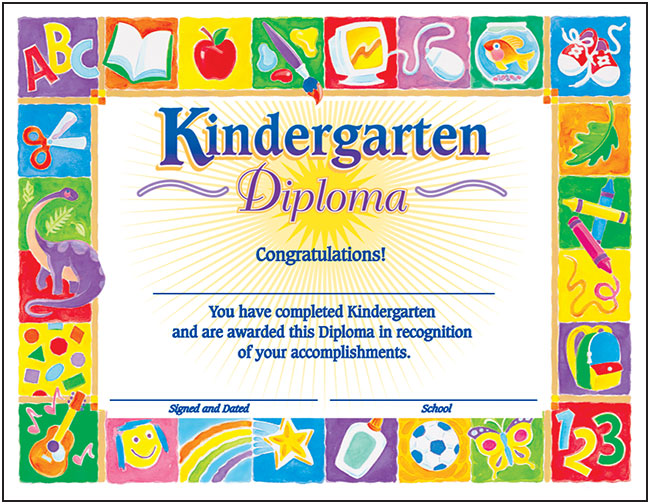

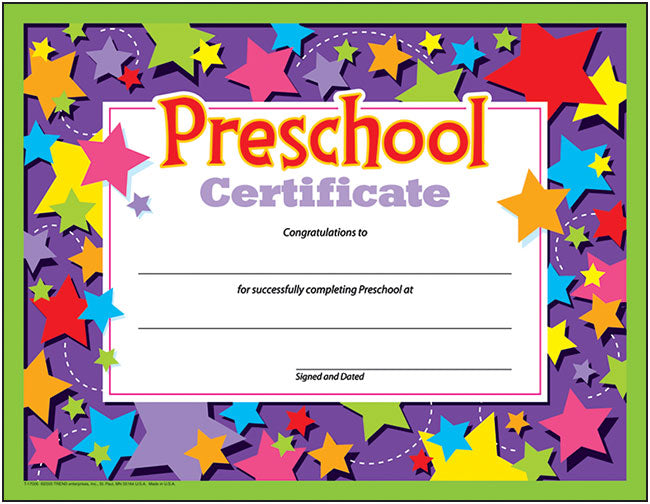
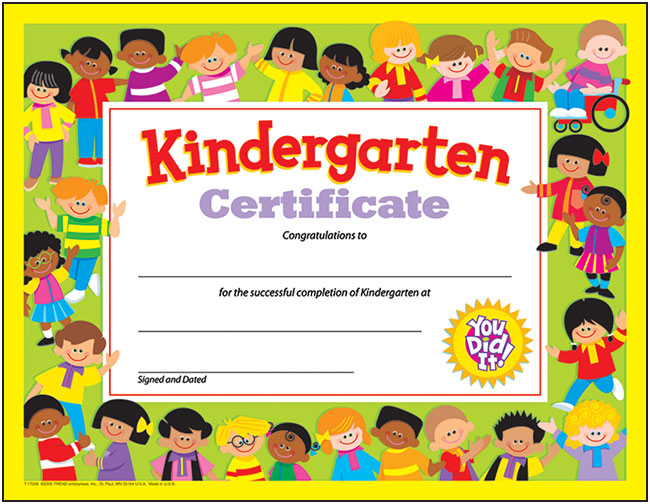
T17009
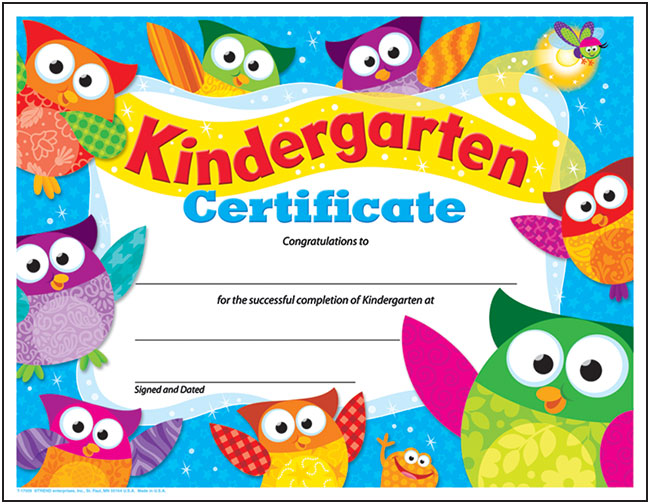
Kindergarten Certificate Owl-Stars!® PK-K Certificates & Diplomas
• Word Template
• PDF Template
